
FILM PROFILES FOR LIGHTROOM AND CAMERA RAW
Lumenary Vision builds film profiles from real 35mm film, shot and scanned in-house.
Six film stocks at six exposures, from −2 to +3 EV, each calibrated with 140 color patches.
4.9 from 263 reviews

- 6 film stocksEach one shot on real 35mm rolls and scanned on a Fujifilm Frontier SP-500.
- 6 exposures per film stockFrom −2 to +3 EV. Every exposure is measured on its own chart.
- 320 camera modelsSupported by the Professional version. The Standard version works with every camera.
- Lightroom and Camera RawLightroom Classic, Lightroom and Photoshop. Capture One is coming soon.
02The six film stocks
Each of the six film stocks is shown on the same RAW file, before and after.
Pick a film stock, then drag the handle. Each scene is one photo, before and after.

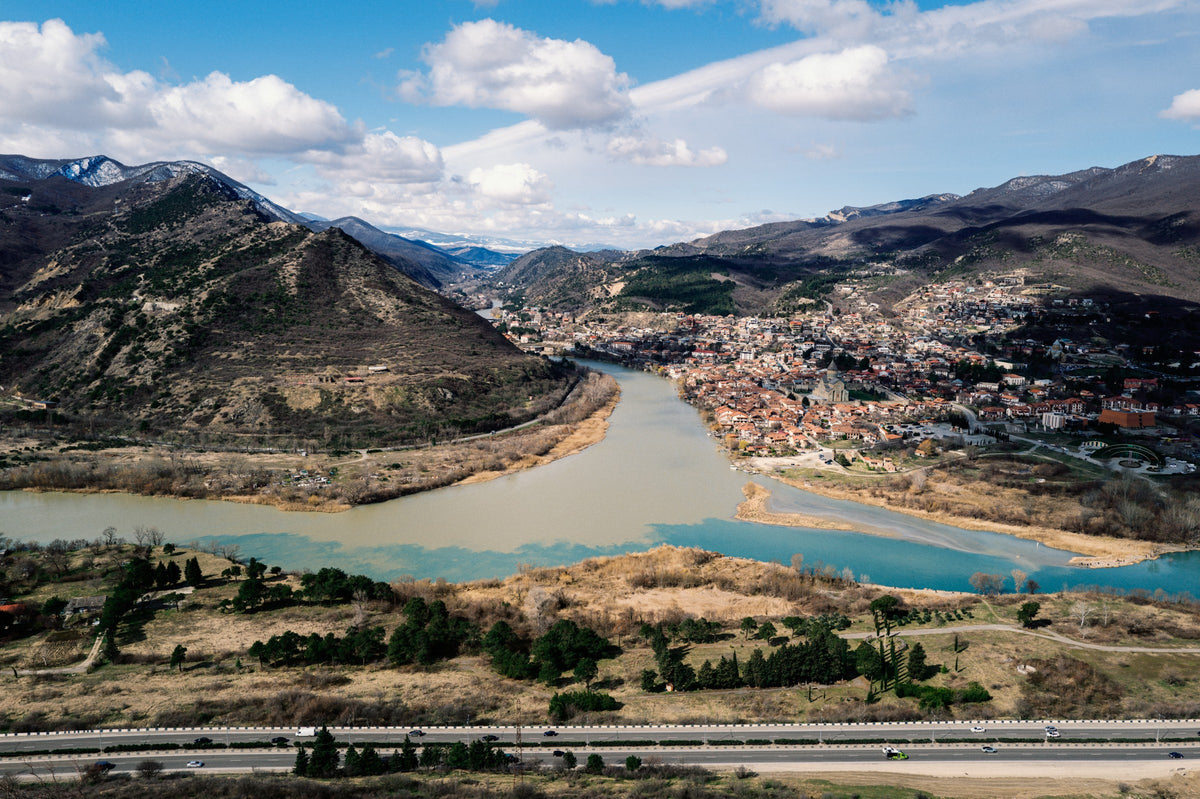
The color strip shows six chart patches measured from the film scan at 0 EV: light skin, orange, red, foliage, blue sky and neutral gray.
03Six exposures
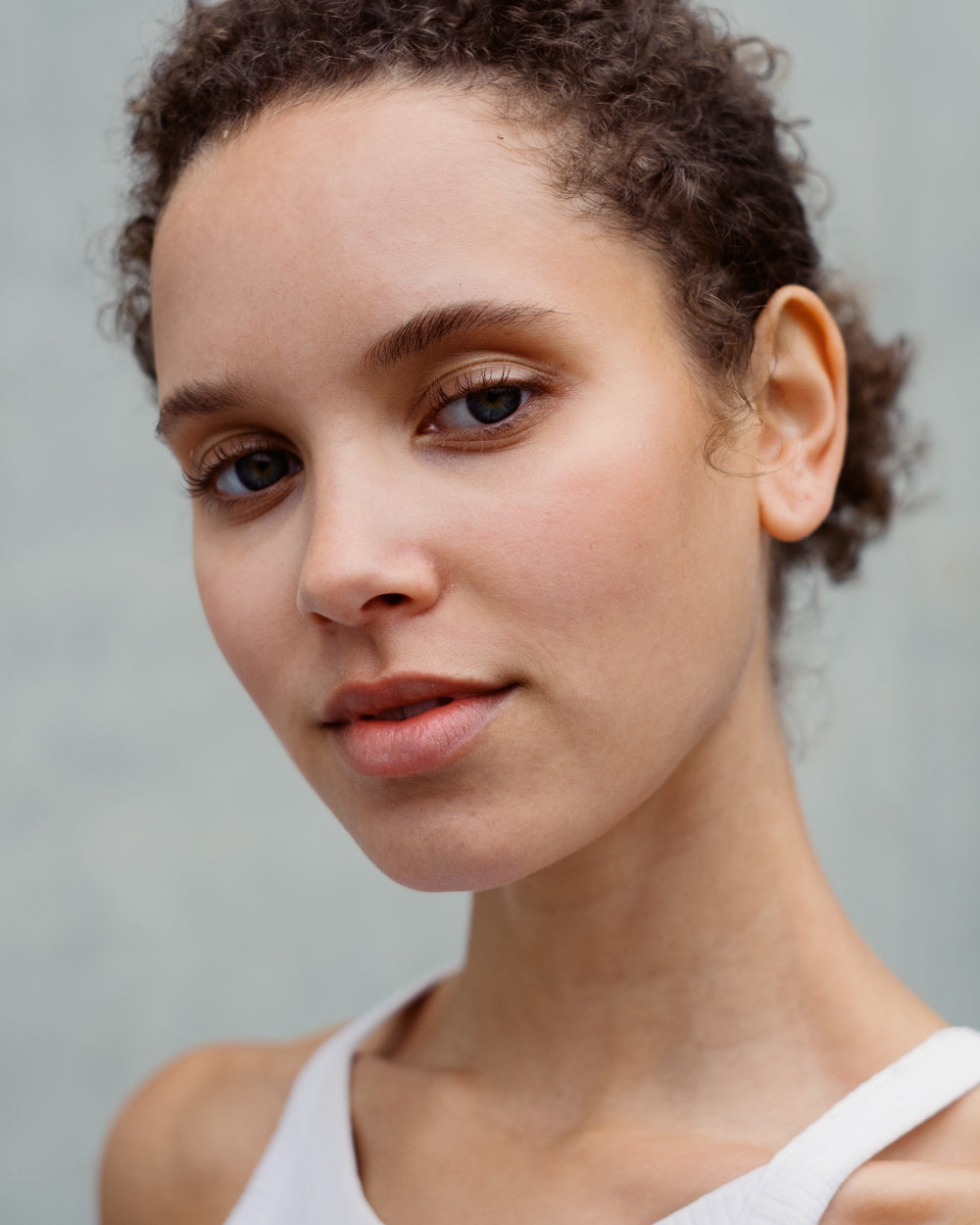
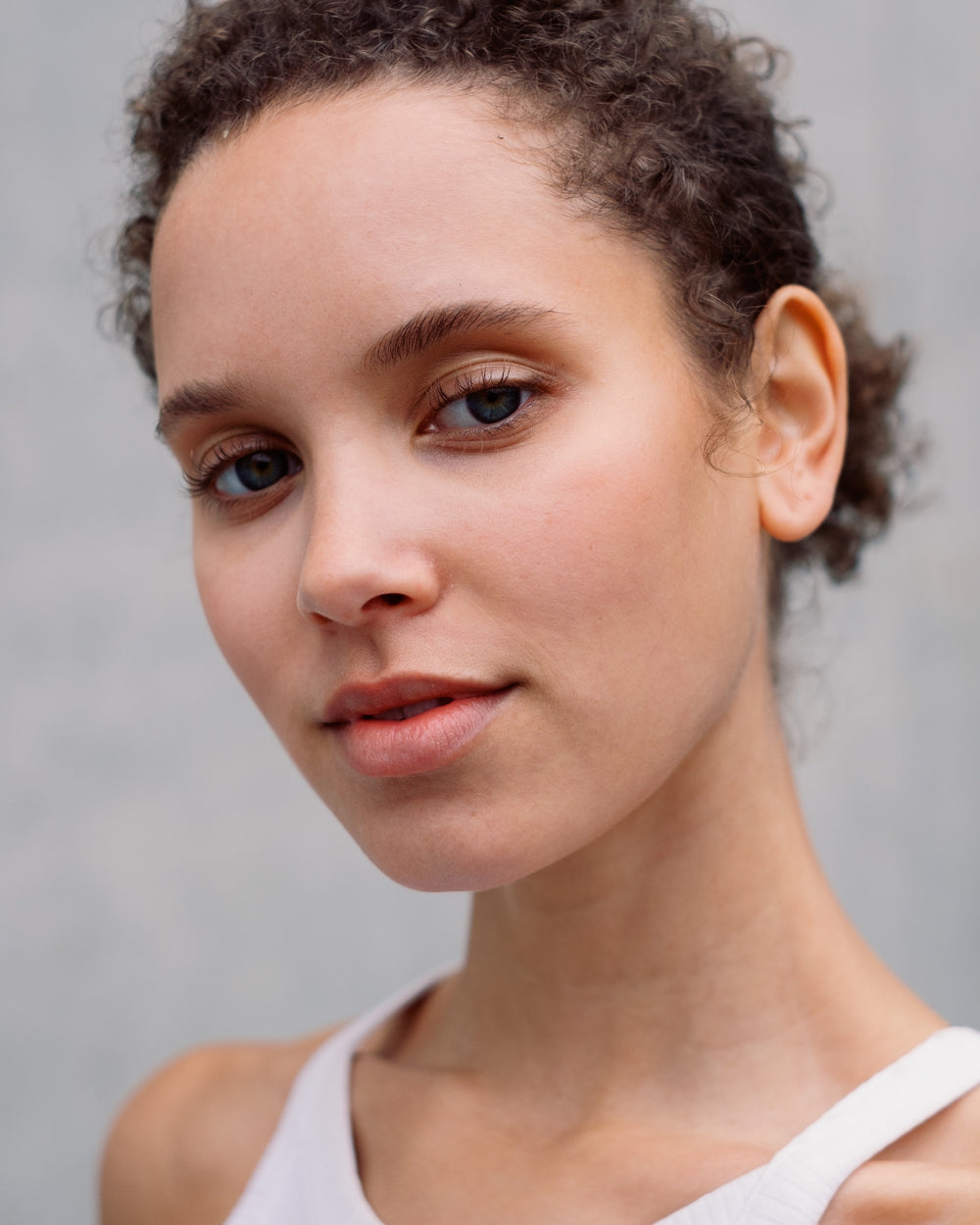
Every film stock comes with six exposures, from −2 to +3 EV.
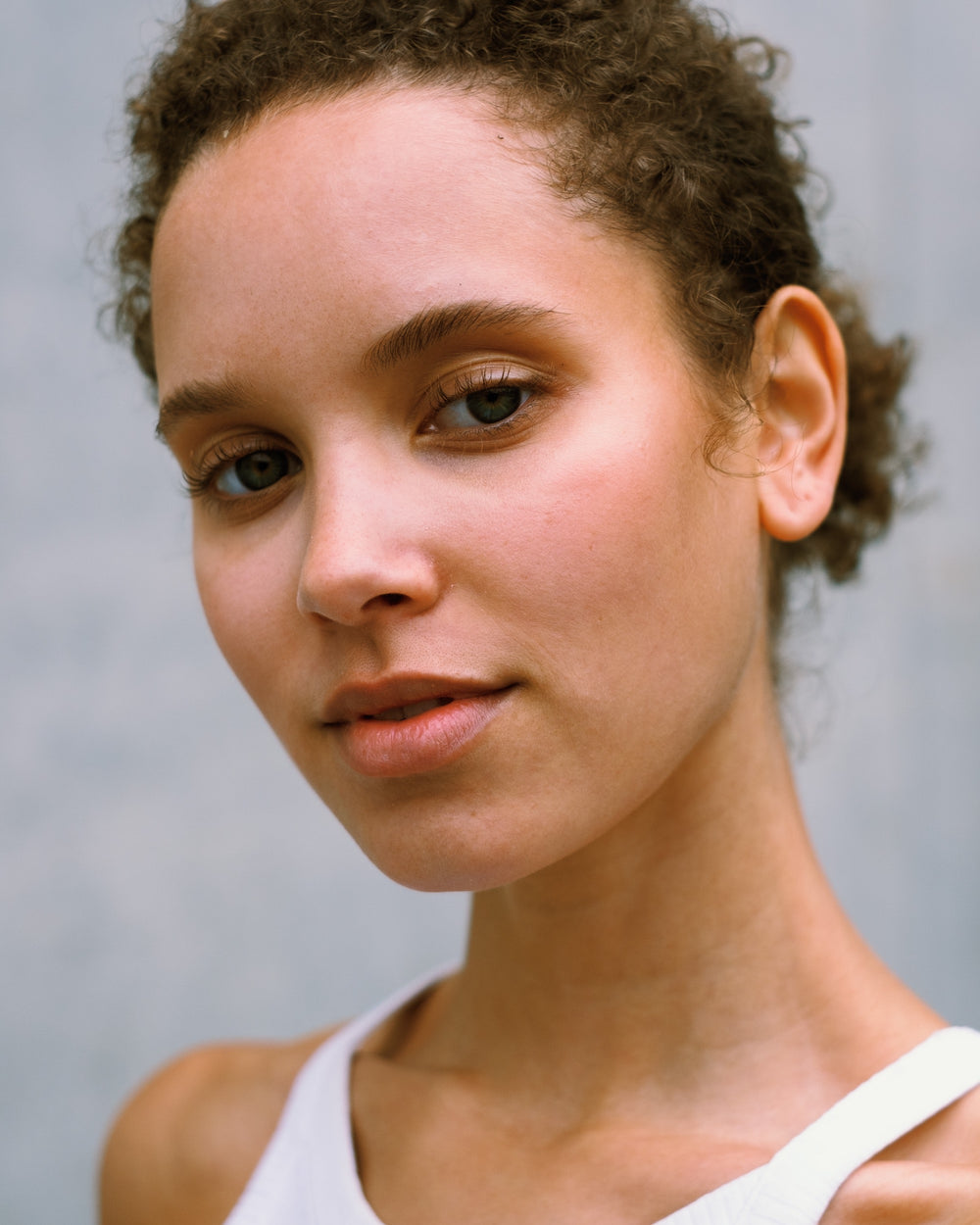
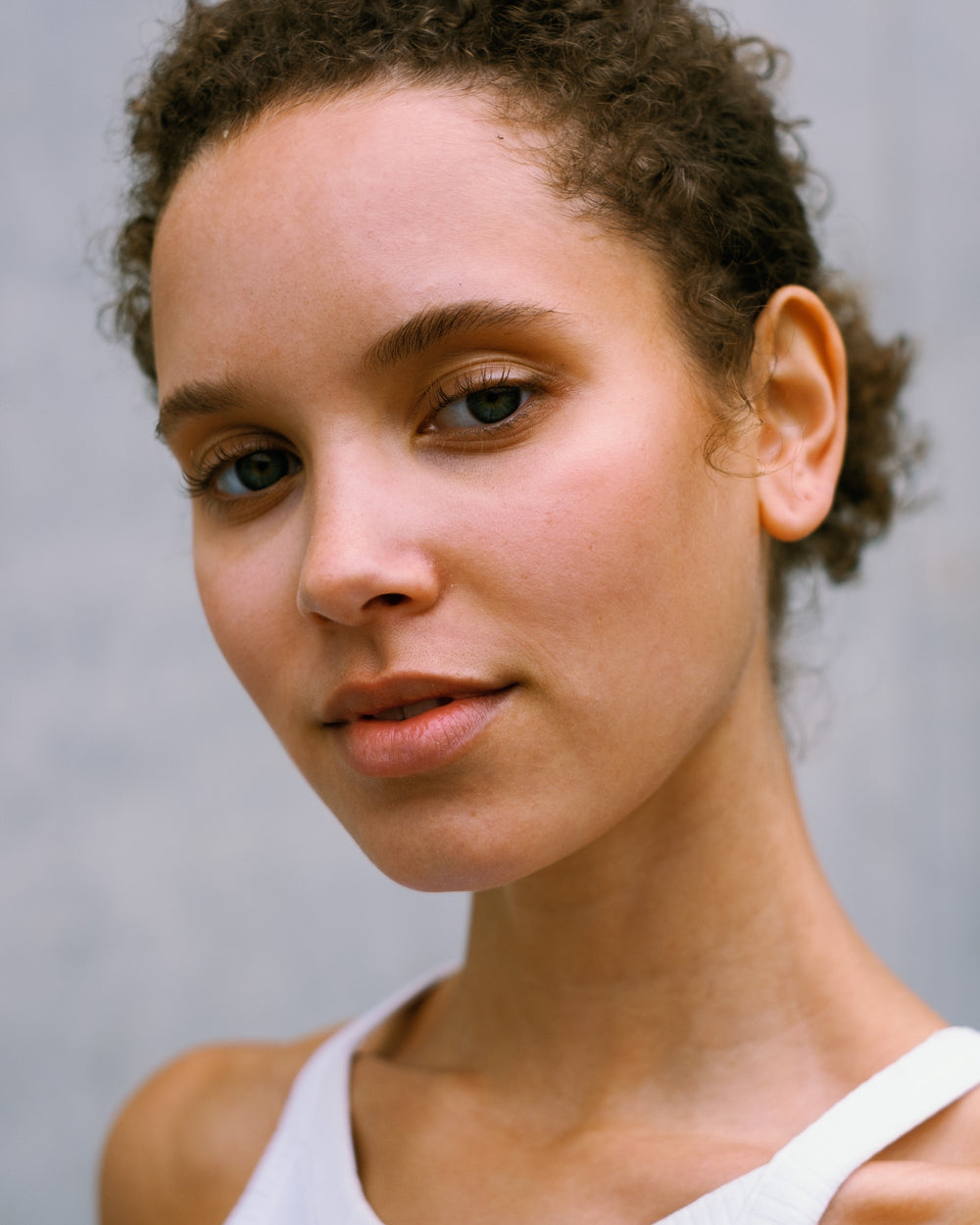
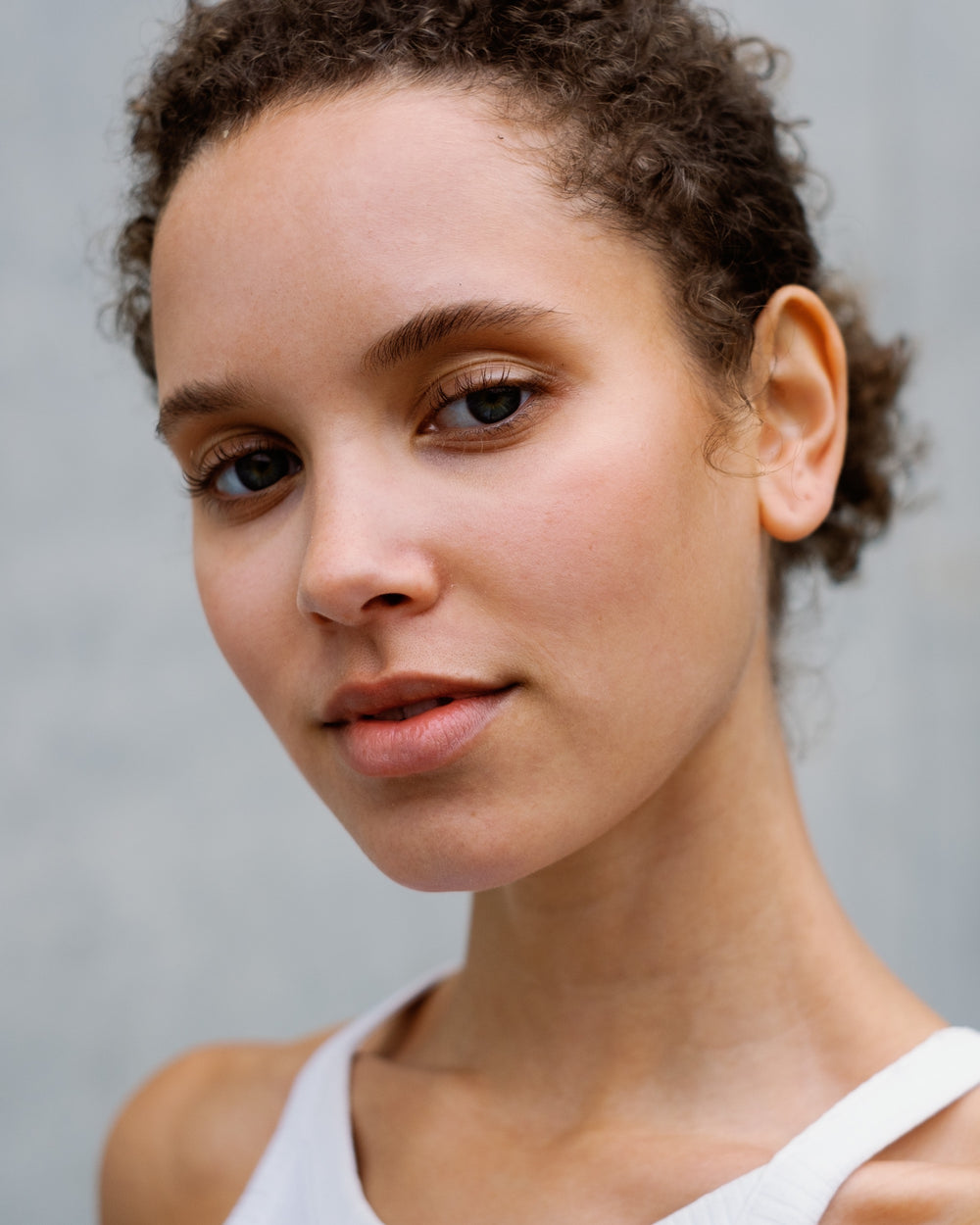
Each variant carries the color of the film at that exposure, measured from its own chart. Pick one and watch the same portrait change.

- What changes
- Below 0 EV skin gets denser and warmer, the way underexposed film scans do. Above 0 EV it gets paler and softer, like an overexposed negative.
- What stays the same
- The brightness is compensated. Switching from 0 EV to +2 EV changes the color of your photo, not its exposure, so your own exposure setting stays in charge.
- How to choose
- Start at 0 EV. Step down for more density and warmth, step up for a lighter, softer look, and keep the variant that fits the light in your photo.
04From film to profile
I measure every film stock myself, on my own Frontier SP-500.
Every profile starts as real film. These are the four steps from the roll to your RAW file.
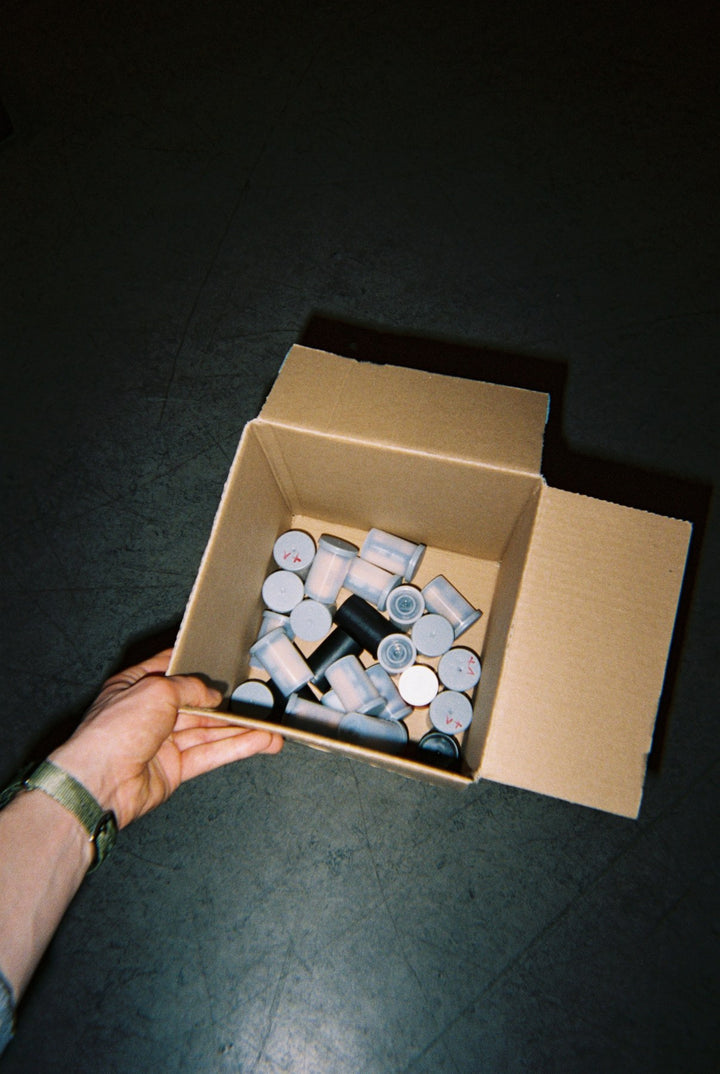
It starts with 35mm rolls
Every film stock in this edition was shot on real 35mm rolls for the calibration shoot.
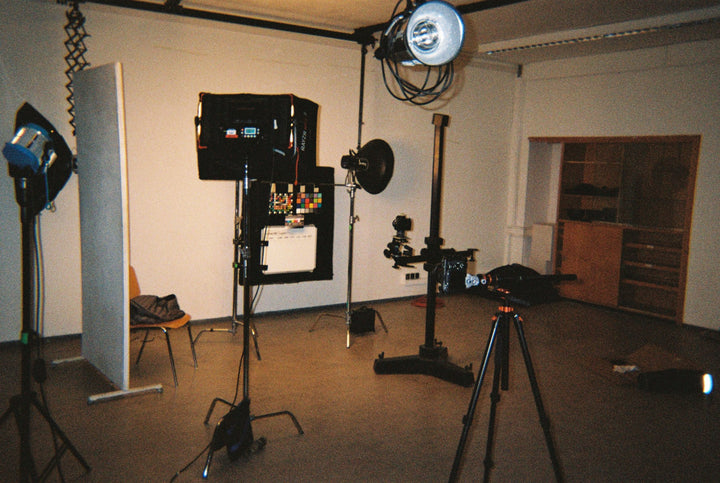
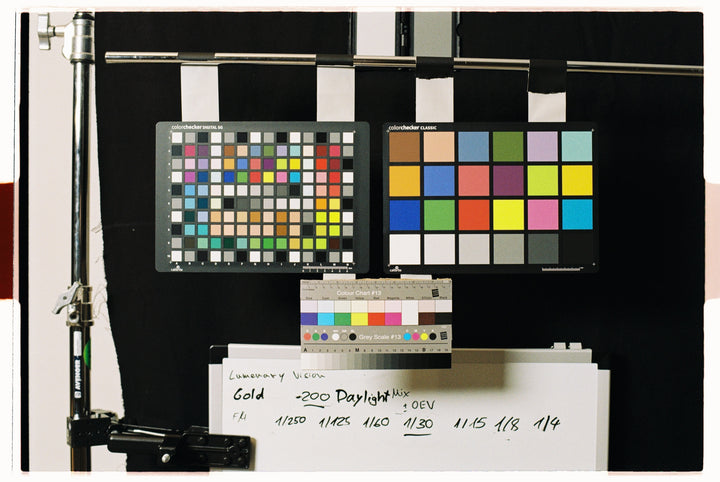
Charts at six exposures
I shoot calibrated charts on every film stock at six exposures, from −2 to +3 EV.
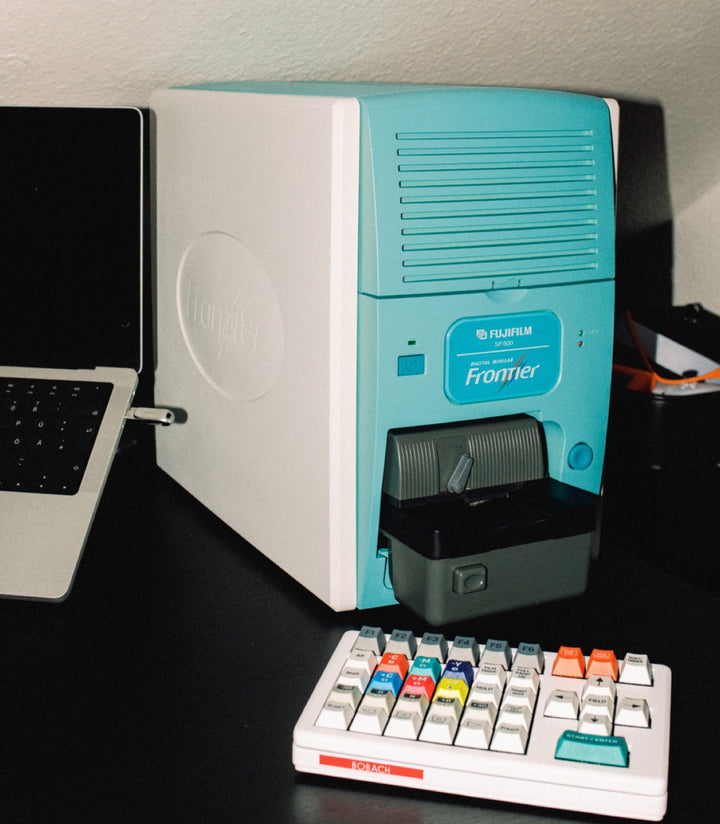
Scanned on my own Frontier
Every frame is scanned on my own Fujifilm Frontier SP-500, with no extra color grading.
Fitted by my own software
My software measures around 140 color fields per scan and fits the profile to those numbers.
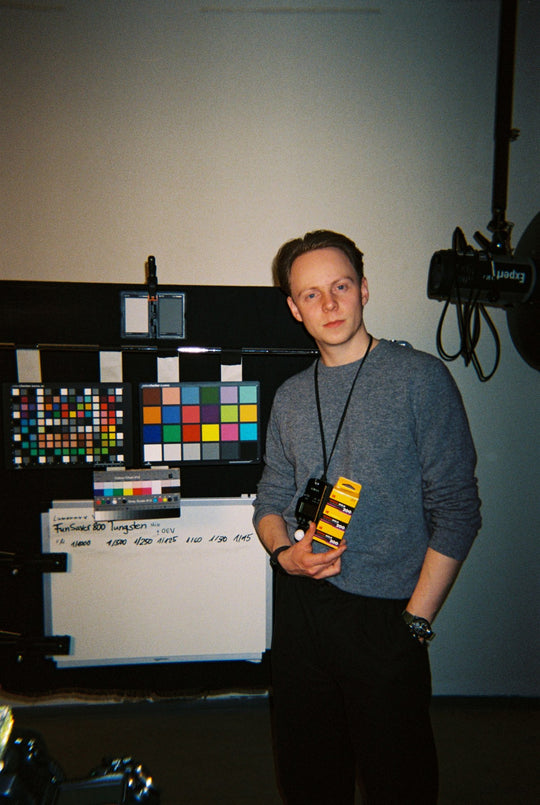
Who I am
Hi, I'm Sebastian, and I shoot film
I studied photography at HSBI in Germany and have shot more than 400 rolls of film.
A preset moves your sliders, while a film profile adds the film's color response at the end of your edit.
Presets modify slider settings you can already access. The film's color response is baked at the end of your edit, so your sliders stay at zero and your own edit stays fully yours.
-
RAW fileWhat your camera recorded
-
Camera profileAdobe Standard or AVS Base Neutral
-
A preset works hereYour editWhite balance, exposure, curves, HSL, color grading
-
A film profile works hereFilm profileApplied after all your sliders
-
Masks and effectsLocal adjustments, vignette and grain
Whatever you change in your edit flows into the film profile, so the full dynamic range of your RAW file stays available.
05Your camera
The Professional version supports 320 camera models.
Both versions are included. Standard works with every camera in Camera Raw. Professional adds a neutral camera profile for your camera model, so a film stock looks the same from one camera to the next.
| Standard | Professional | |
|---|---|---|
| Built on | Adobe Standard | AVS Base Neutral |
| Cameras | Every camera in Camera Raw | 320 models |
| Files | RAW and JPEG | RAW only |
| Same look across camera brands | no | yes |
| Best for | Quick edits and cameras not on the list | Mixed camera bodies and consistent series |
AVS Lab Tech picks Professional automatically when your camera is supported and the camera profile is installed.
06Verified reviews
Every review here is quoted word for word.
These are published reviews from buyers. Camera and genre are their own answers.
Read all reviews
07The Essential Edition
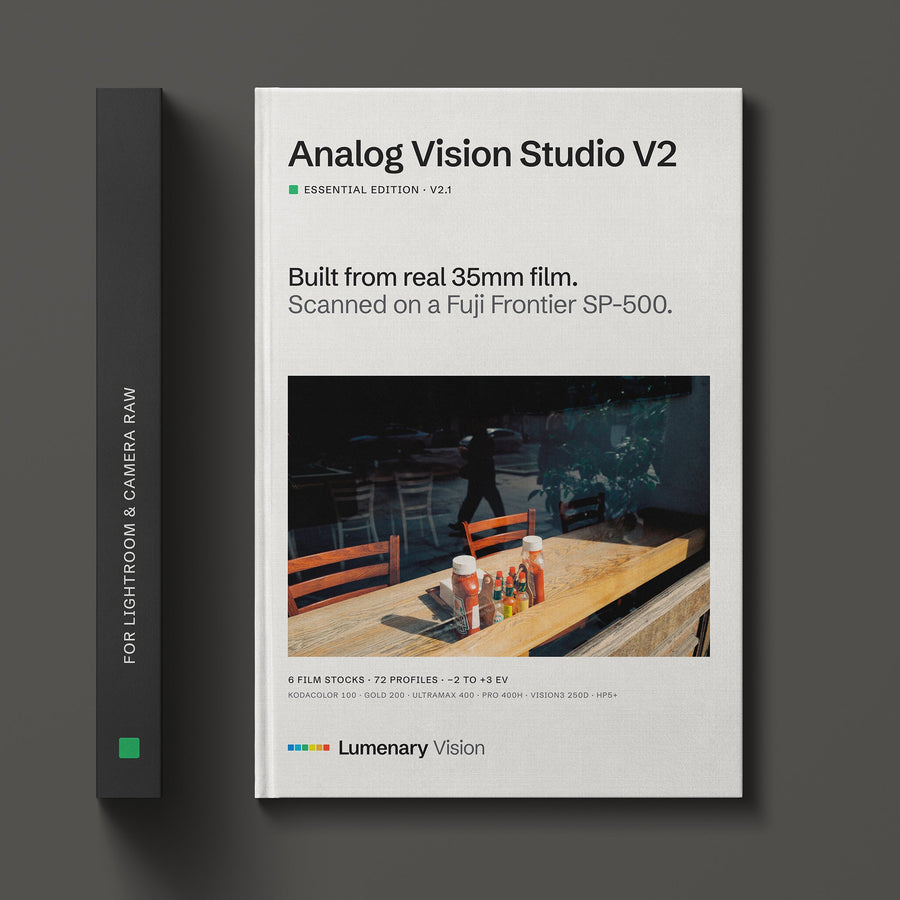
Six film stocks, one price.
€89
- Six film stocks, six exposures each
- Standard and Professional version, with camera profiles for 320 models
- Workflow Presets and the AVS Lab Tech plugin
- Lightroom Classic, Lightroom and Photoshop. Capture One is coming soon.
Instant download · Lifetime access
OR TRY IT FIRST
Two film stocks are free to try.
Kodacolor 100 and Vision 3 250D at 0 EV, in the Standard version. Enter your email and I'll send you the download.
Check your inbox.
Please confirm your email address. The download follows right after.